HashShot Verification App

Free bulk verification of electronic evidence with cryptographic certainty

Interface.jpg

Perfect For

Courts

Verify evidence authenticity during proceedings

Law Firms

Validate evidence before presenting to court

Enforcement Agencies

Confirm evidence integrity during investigations

Overview

HashShot Verification App enables bulk verification of screenshots.

This app assumes that any user has captured screenshots using the HashShot Chrome Browser Extension.

Using HashShot Verification App, the user selects a folder, which the app then watches.

The app hashes existing and new files, and validates them against the same smart contract that the HashShot Chrome Browser Extension uses.

CSV export is supported for easy record-keeping.

This app is currently available for Windows only.

Browser Extension

Verification Process

SelectWatchedFolder.png

Select Folder

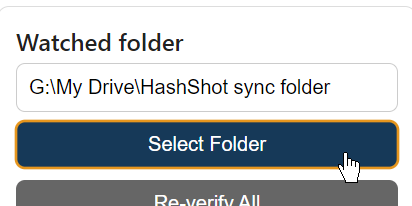
Select the folder containing the screenshots. The app will watch this folder for any new files added and automatically verify new files.

FileList.png

Verify Integrity

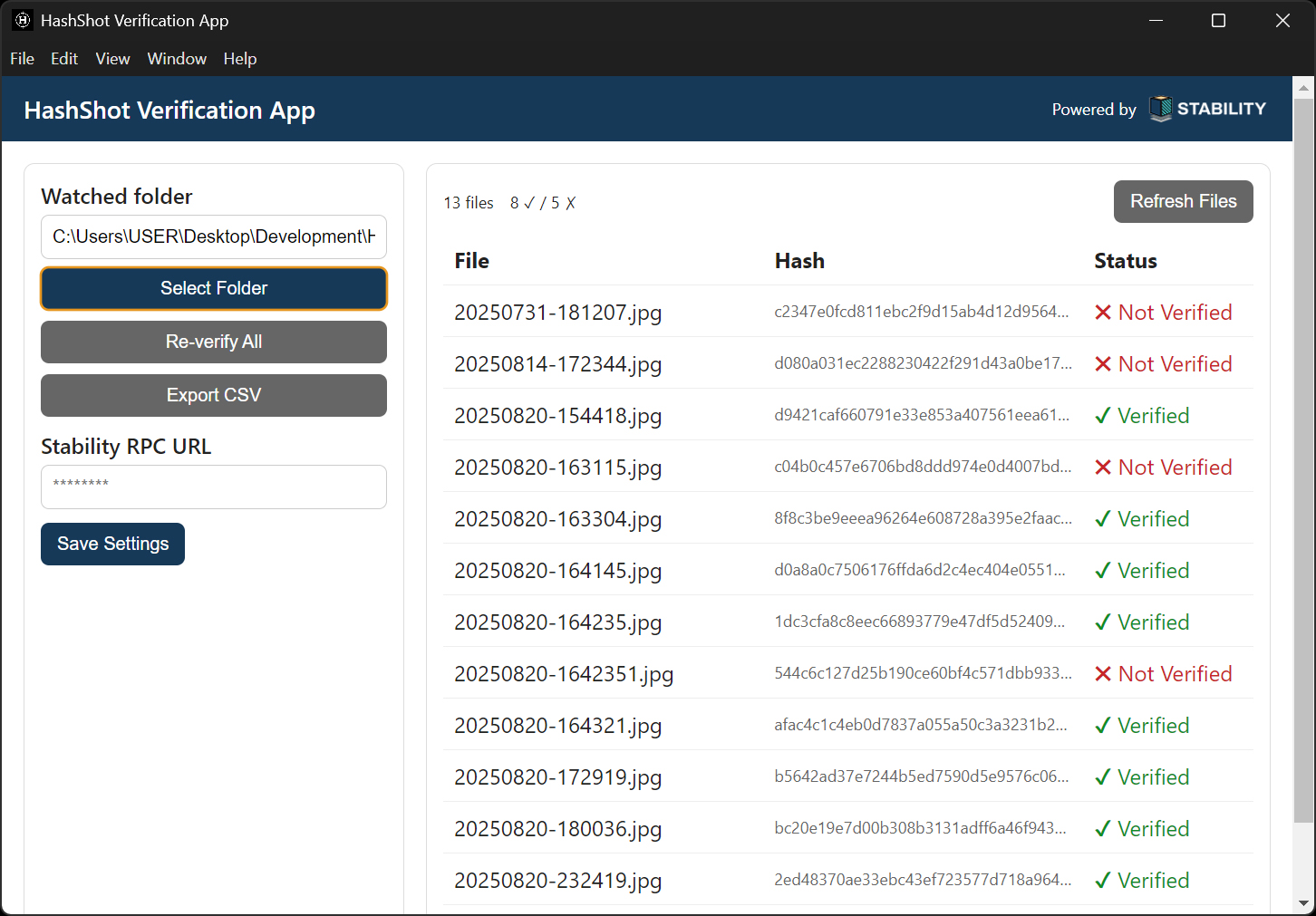
The top-left corner shows the total number of files in the folder and how many are verified vs unverified. Status:

  • Verified: The file is exactly the same as when it was screen-captured.
  • Not Verified: The file has been changed or modified in some way.
  • Pending: The file is pending verification.

ExportCSV.png

Export Results

Export results in a CSV format for record-keeping.

Rate limits

Q: Some of my files are "Pending" or take a long time to verify. What's happening and how do I solve it?

This App sends verification requests to the Stability network using a Stability API. There are Free and Paid tiers of Stability APIs. Although there is no limit to the maximum number of requests you can make, there are rate limits on the number of requests you can submit per minute. By default, the App uses my Free tier Stability API. The Free tier is rate-limited.

When you select a folder for verification, the entire file list is sent to the Stability network for verification at one go. If the folder contains many files, you may hit the rate limit.

Additionally, my Free tier Stability API is shared between all users of this App by default. If many users are submitting verification requests simultaneously, users may collectively hit the rate limit.

Solutions:

(1) Wait it out. When the rate-limiter advances to the next time-period and the rate limit is reset, the next batch of requests in the queue will be processed.

(2) Get your own Free tier API from Stability so you're not sharing rate-limits with others. If you are consistently exceeding your own rate-limit on the Free tier, you can upgrade to a Paid tier with higher rate-limits.

Paste your API key into the "Stability RPC URL field" using the following format:
https://rpc.stabilityprotocol.com/zkt/YourAPIHere. Then click the Save Settings button. The App will now send requests using your API and its associated rate limits.

Browser Extension

Ready to Get Started?

Join the future of litigation-grade electronic evidence.

Download Now