Chrome browser extension

One click. Court-ready proof.

HashShot's Chrome extension captures any screenshot, hashes the bytes locally with SHA-256, and anchors the fingerprint to a public blockchain — before the page can be edited or taken down.

Add to ChromePair with the verifier →
Chrome · Edge · Bravev1.4 · 612KBFree
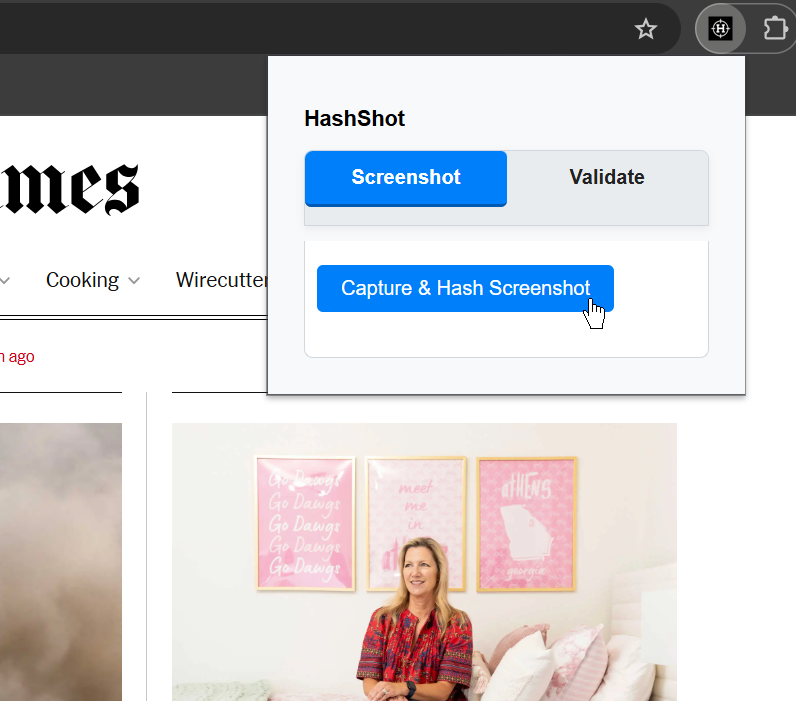
HashShot extension popup over a newspaper website, showing Screenshot and Validate tabs
Capture

Screenshot the visible tab, the full page, or a selection.

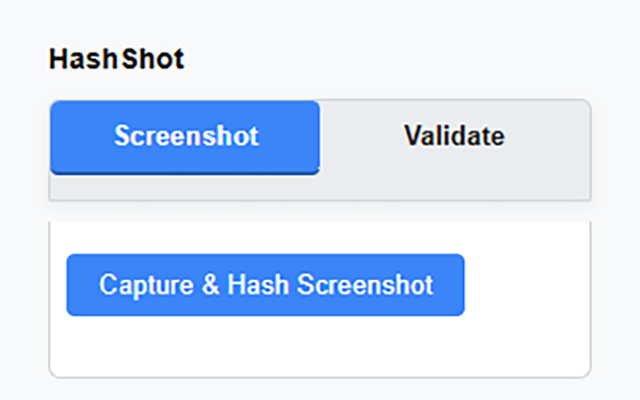
The extension pops up wherever you are — newspaper article, infringing listing, regulator's dashboard. Click once and the image is captured, hashed, and anchored without leaving the page.

HashShot extension popup with 'Capture & Hash Screenshot' button
Validate

Re-verify any file, instantly.

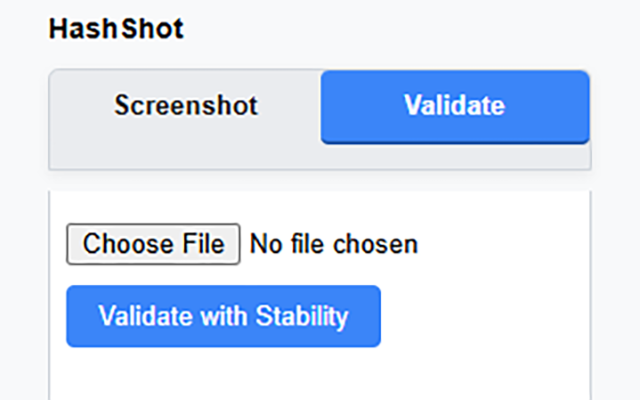
Switch to the Validate tab and drop in a JPG. The extension computes its SHA-256, checks it against the on-chain record, and tells you in milliseconds whether the bytes match the original capture.

HashShot extension popup on Validate tab, with file picker and 'Validate with Stability' button
Privacy

Pixels never leave your device.

SHA-256 is computed in the browser. Only the resulting 64-character fingerprint — which reveals nothing about the underlying image — is written to the public ledger. The screenshot itself stays on your disk.

Specifications

Lightweight, auditable, and fully offline-capable for verification.

Hash algorithm
SHA-256
Computed locally via the Web Crypto API. No custom cryptography.
Anchor
Public ledger
Hashes are written to a public, independently-operated blockchain.
Median anchor time
< 60s
From shutter to confirmed on-chain.
Image upload
0 bytes
Only the 32-byte hash leaves your device. The pixels stay local.
Permissions
activeTab
Standard Chrome screenshot permissions only. No background browsing.

Install once.
Capture forever.

Every screenshot from then on becomes part of a defensible chain of custody — by default.

Add HashShot to ChromeGet the verification app →